Stop Guessing Where Your IR Lamps Go
Setting up a massive stenter machine by hand is basically a gamble. You spend days tweaking things, only to find out you’ve got cold spots in the corners or—even worse—you’ve scorched a whole roll of fabric. It’s a headache nobody needs. That’s why we use digital twin simulations. It lets us map out exactly where every lamp needs to sit before we even touch a wrench.
The trick to getting the heat right
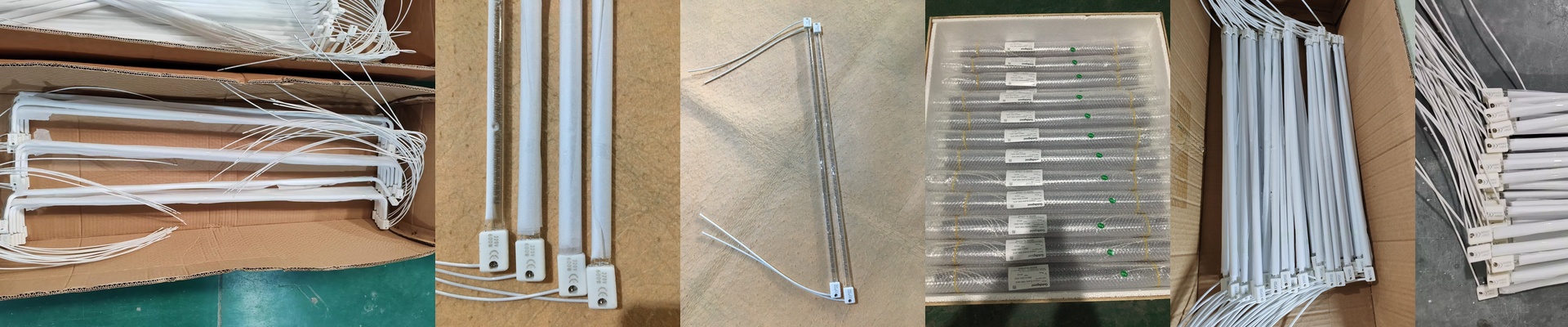
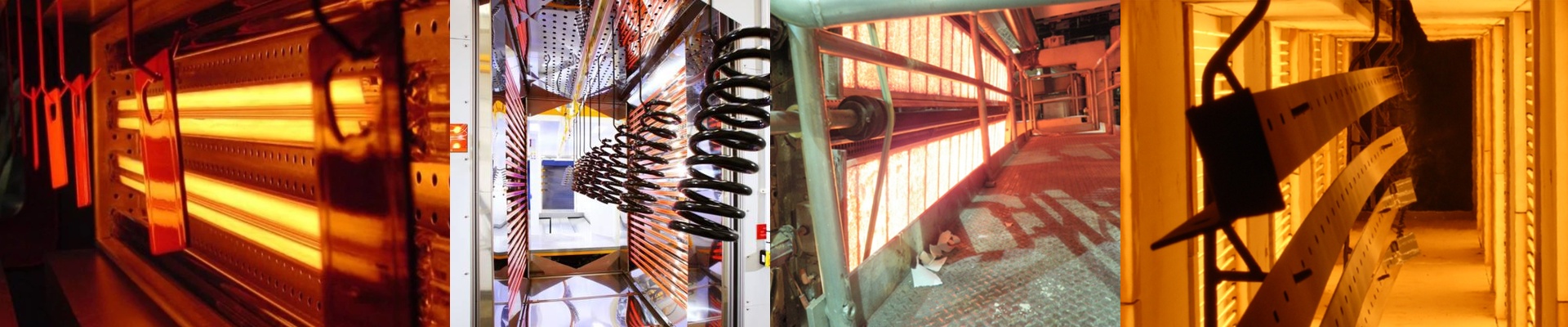
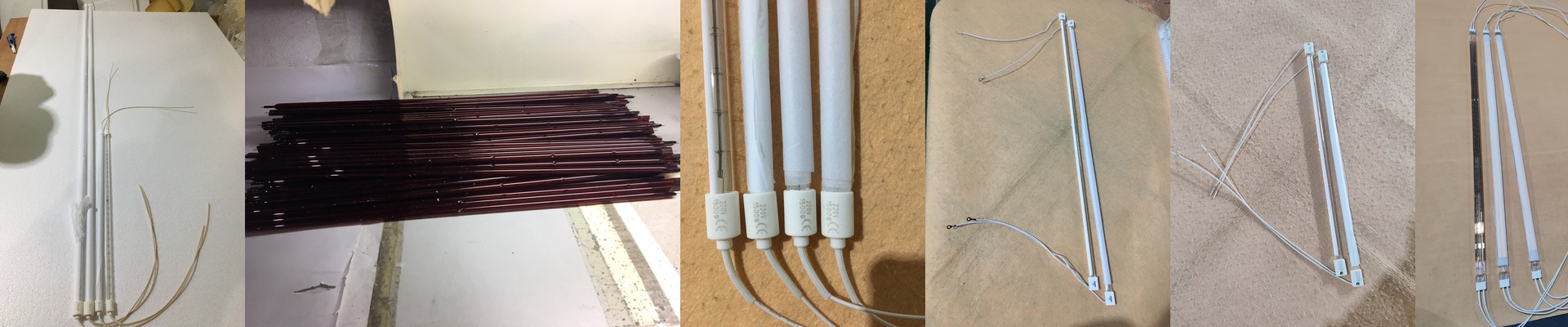
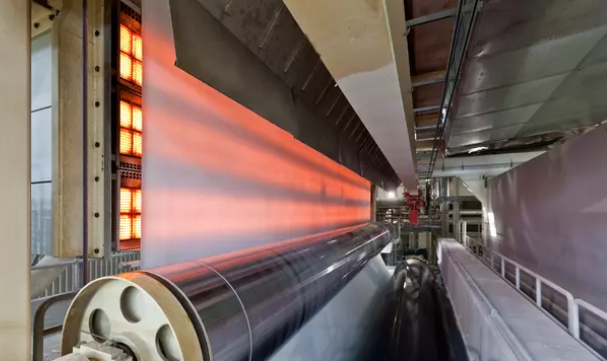
Here’s the thing about IR lamps: they don’t heat everything evenly. The center is screaming hot, but the heat drops off as you move toward the ends. When you line them up in rows, those heat curves have to overlap. If you leave too much space? You get a “thermal dip.” Too close? You’ve just created a hot spot that’ll ruin your material. We use some clever math to figure out that sweet spot based on the wattage and how far the lamp is from the fabric. The goal is a flat, consistent heat profile across the whole width of the machine. No surprises.
Virtual tweaks vs. heavy lifting
With a digital twin, we can play around with airflow and radiation at the same time. We plug in the specs—voltage, length, wavelength—and watch how the heat actually sinks into the fabric. If I want to see what happens if I move a lamp 50mm to the left, I just click and drag. It takes a second. Compare that to dragging heavy hardware across a factory floor and praying it works. It’s a no-brainer.
The catch
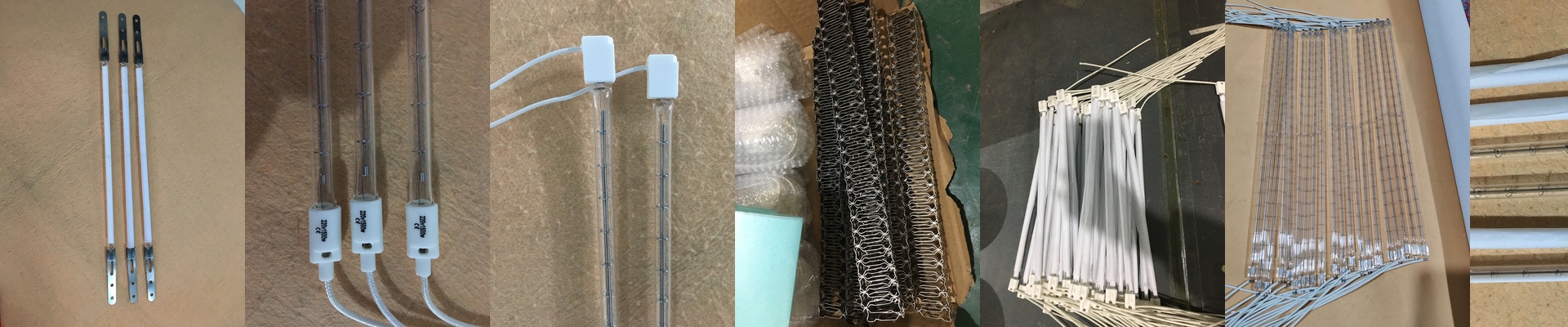
Now, simulation isn’t a magic wand. The software assumes your lamps are brand new and hitting 100% output. But we know how the real world works. Lamps age. They fade. Their output drops over time. Because of that, you can’t just build to the exact limit of the simulation. You need to leave some breathing room in your power controllers. If you run everything at the absolute edge of the simulation, you’re going to be stuck the moment those tubes start to wear out. Give yourself some headroom.